In the moment
When things could get physical, calm comes first.
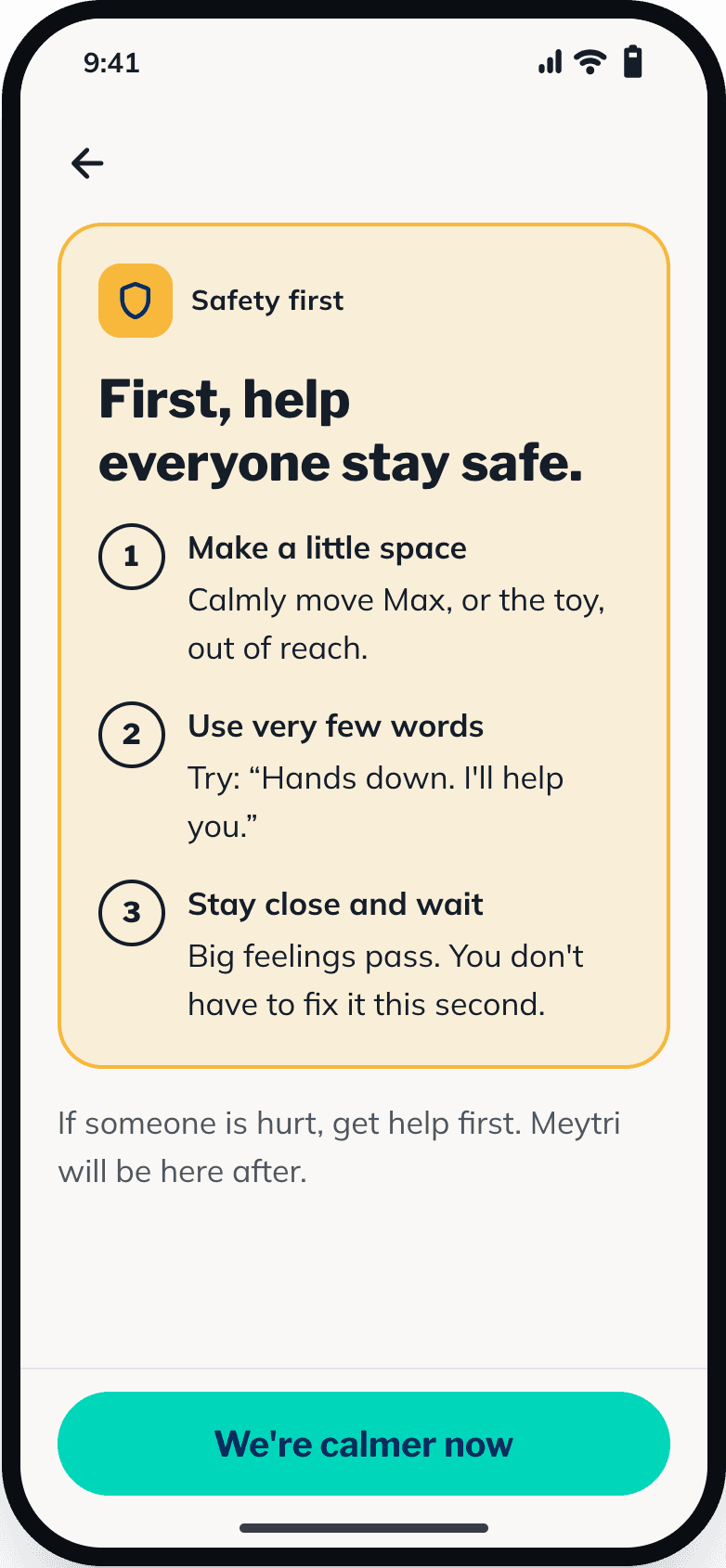
If what you describe sounds like someone could get hurt, Meytri shows a short safety card before anything else: make a little space, use very few words, stay close. Suggestions only come once things are calmer.
Every support can be stopped at any time, and “We’re calmer now” is always one tap away.
Your family’s information
Only what’s needed. Always yours to delete.
What we store
- Your email and account details
- Your child’s first name or nickname and age
- Anything you choose to add about your child
- The moments you describe and how supports went
- A record of which support was chosen and why, so every suggestion can be checked
How it’s used
- To choose and word supports for your child
- To suggest small changes that might help next time
- The words you type are sent securely to our AI provider, only to understand them and write the support
- Never sold, and never used for advertising
How it’s protected
- Encrypted in transit, and stored on encrypted servers
- Strict access rules, so only your account can read your family’s data
- Your recent supports are kept on your phone so they open without signal
Your controls
- Download a copy of your data from Settings in the app, whenever you like
- Delete a child’s profile, or your whole account, from Settings in the app
- Anything else about your data: privacy@meytri.com
Accounts are for grown-ups. Child mode is for children.
Children never sign up or type anything into Meytri. They only see child mode, on a parent’s phone, with a press-and-hold exit so they can’t wander into settings.