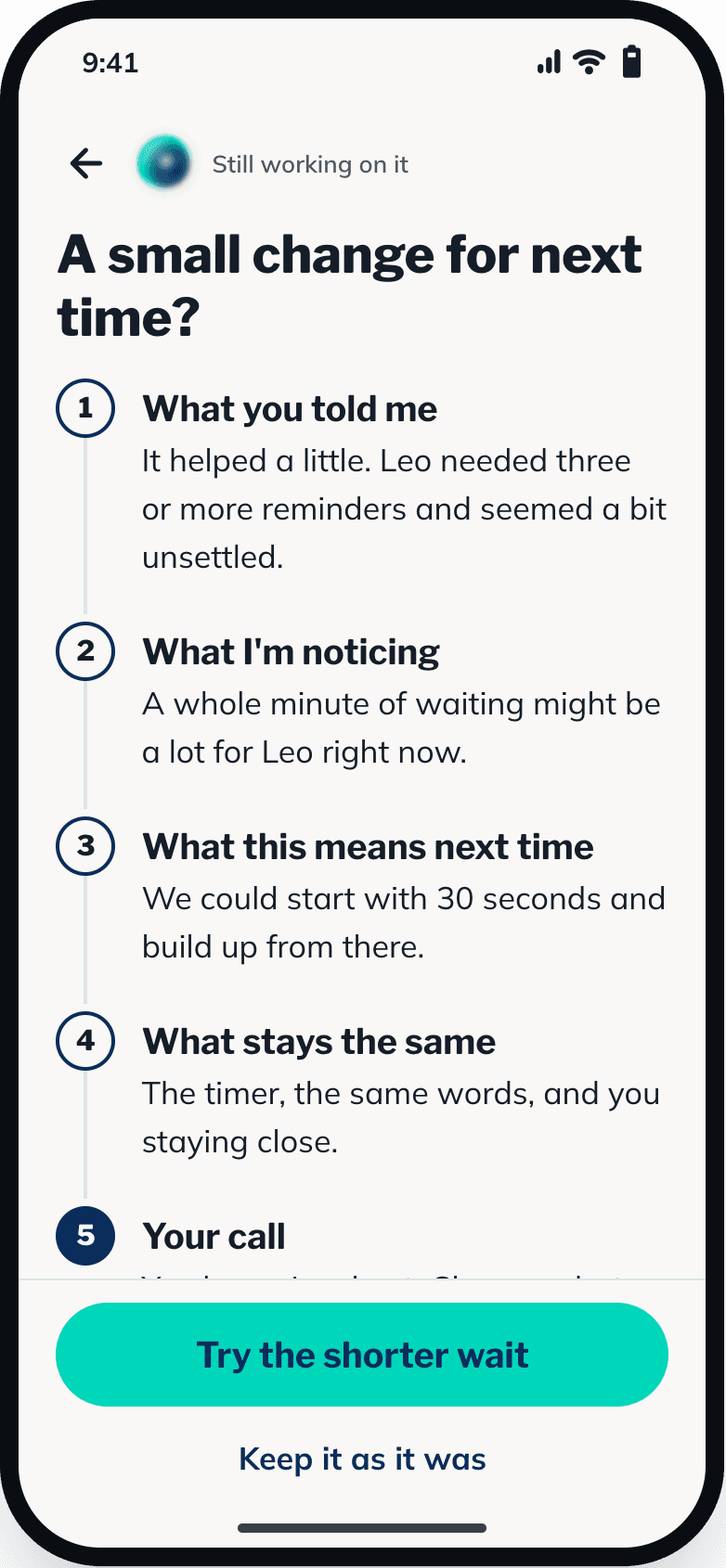
Step 1: Tell Meytri what’s happening
Type it the way you’d say it to a friend. Meytri spots everyday routines, like toothbrushing or bath time, and you can wave that guess away if it’s wrong.
- Half a sentence is plenty
- Shortcuts for common moments
- Recent supports saved on your phone
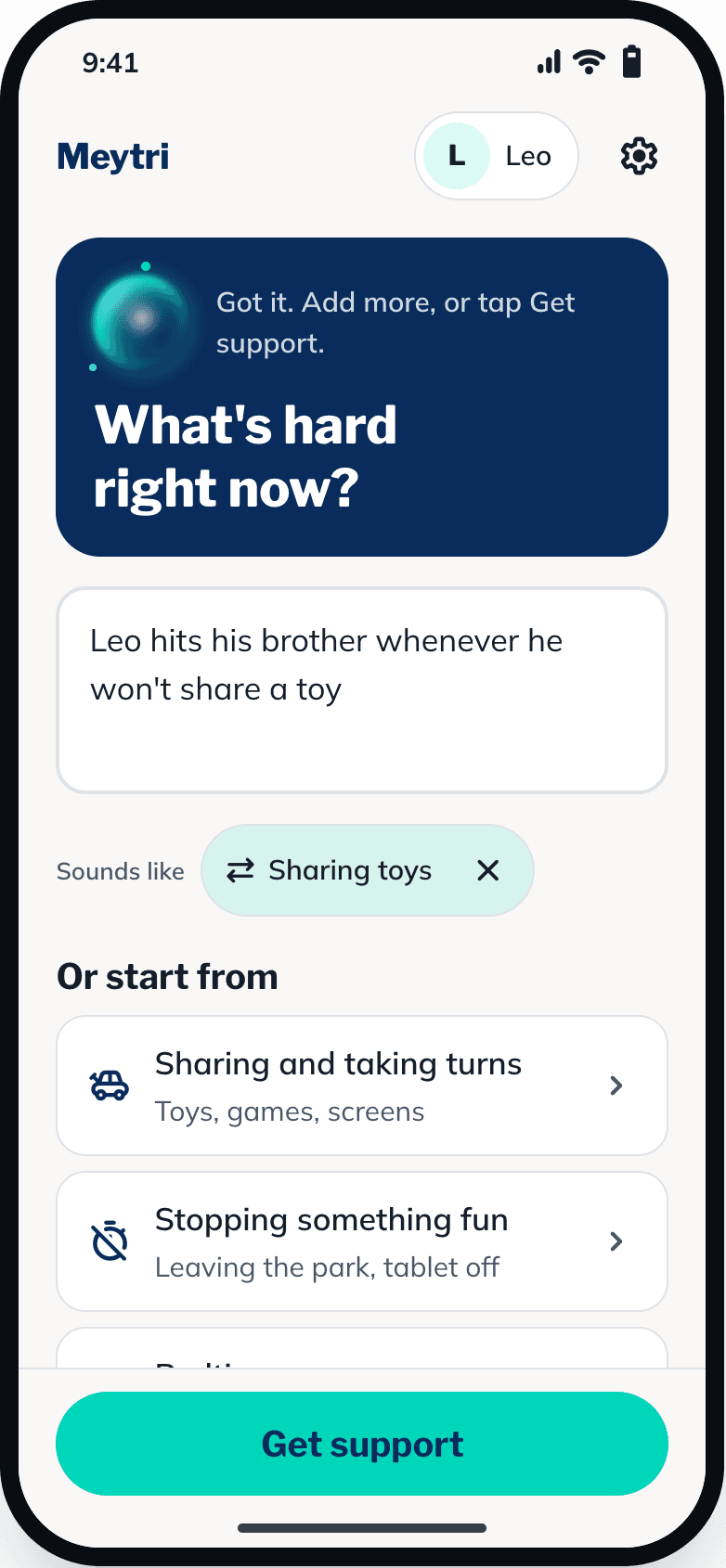
Step 2: Safety comes first
If it sounds like someone could get hurt, Meytri shows simple steps to calm things down before anything else. Everything else can wait.
- Few words, clear steps
- Shown only when it’s needed
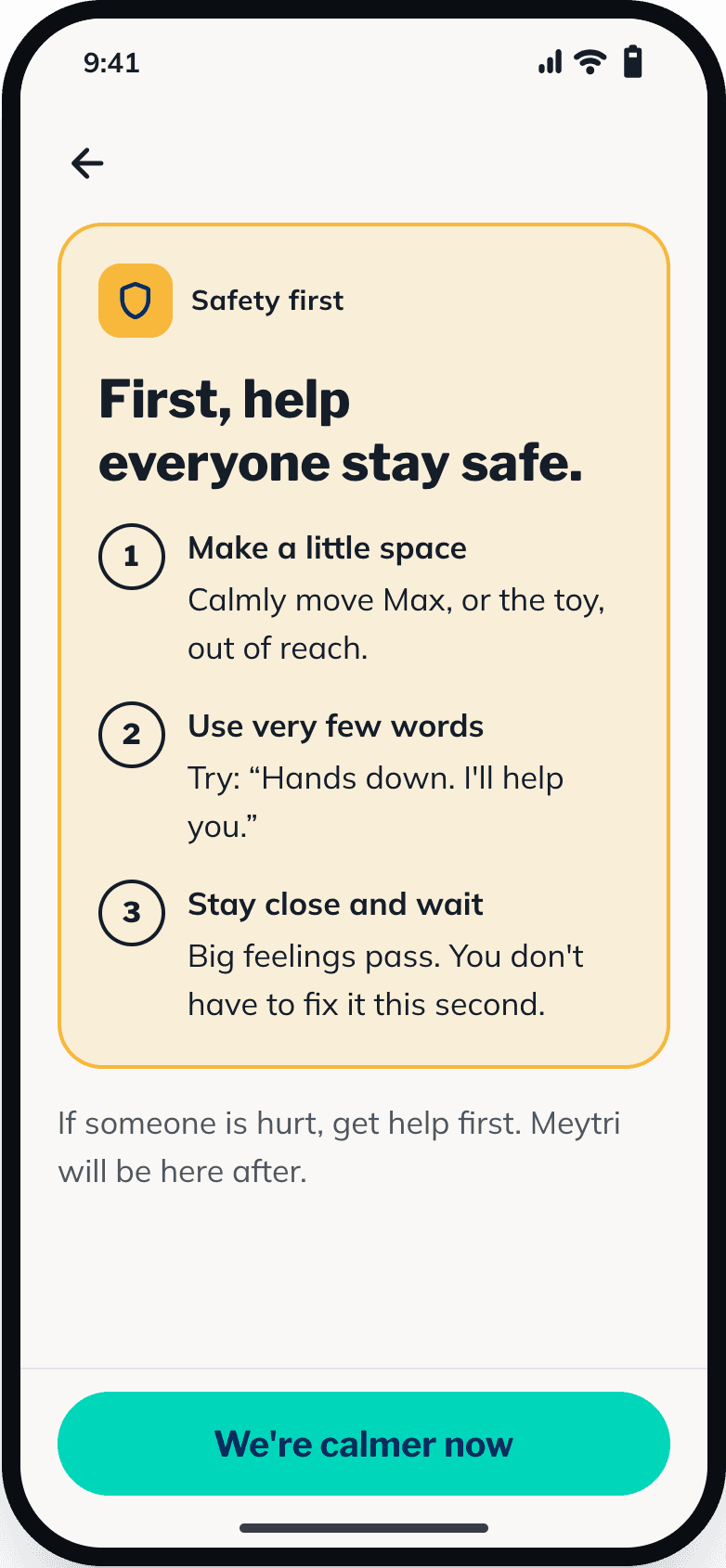
Step 3: It checks it has understood
Meytri reflects back what your child might be needing, and shows you why, using your own words. Not quite right? Correct it in a sentence. Then a question or two, one at a time.
- “Not sure” always counts
- No labels, no jargon
Step 4: One thing to try, step by step
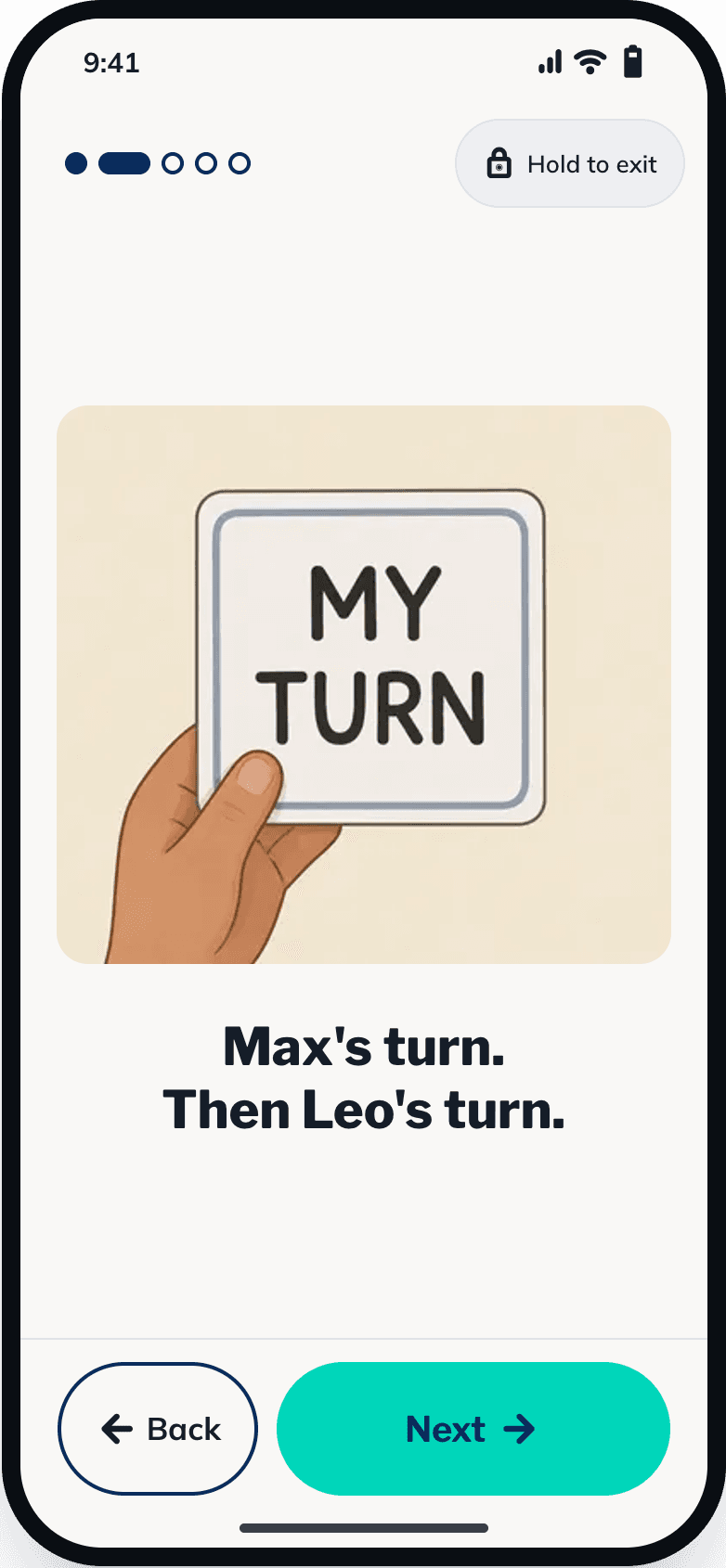
A short support with the exact words to say, a picture for each step and timers where waiting is part of it. Hand the phone over and child mode shows bigger pictures and short steps.
- Recent supports work without signal
- Press-and-hold exit in child mode
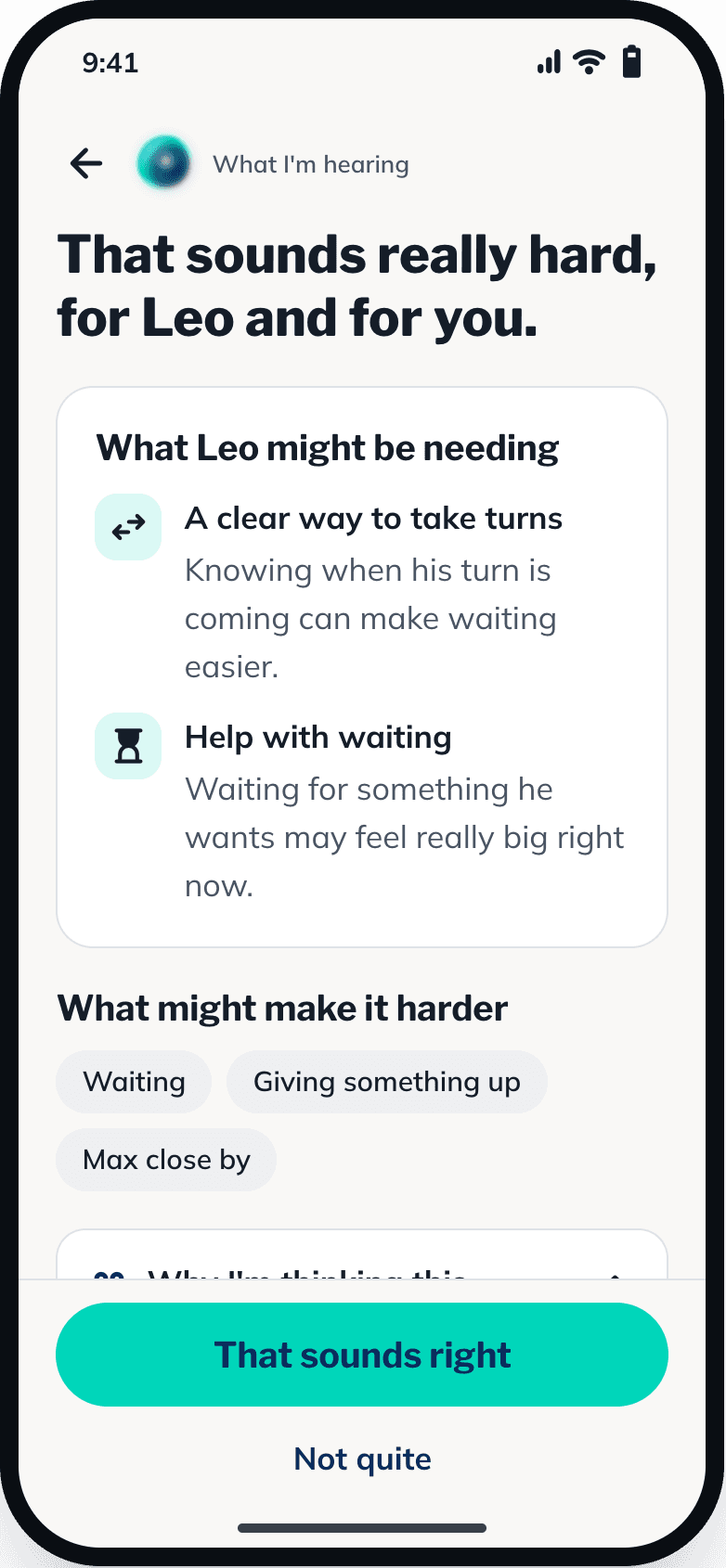
Step 5: Tell it how it went
Two quick questions afterwards. Meytri suggests a small change for next time, shows you exactly what would change, and waits for your yes.
- Comfort matters as much as progress
- You can always keep things as they were